

Ashampoo Office 9 Activation Key
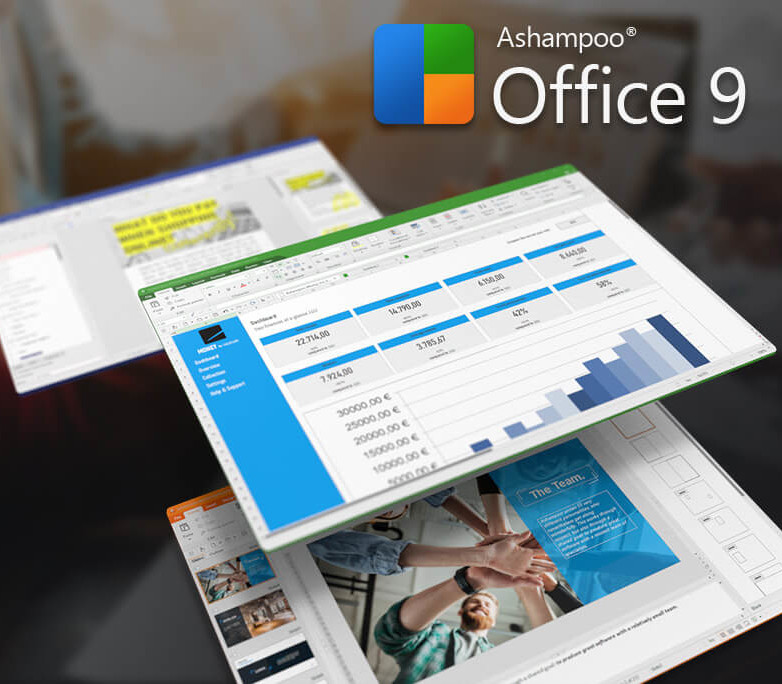
Create documents, spreadsheets and presentations with great ease–and excellent compatibility! We've all seen Microsoft Office alternatives in the past but never one that is so affordable and greatly compatible with Microsoft document formats past and present. An Office suite without compromise, without a lengthy training period. Ashampoo Office 9 lets you create documents, spreadsheets and presentations faster than ever before. It has all the options and comfort you'd expect from a modern Offi

Free Shipping
For all orders over $200

1 & 1 Returns
Cancellation after 1 day

Secure Payment
Guarantee secure payments
Hotline Order:
Mon - Fri: 07AM - 06PM
(+965) 7492-4277
Become a Vendor?
Register now
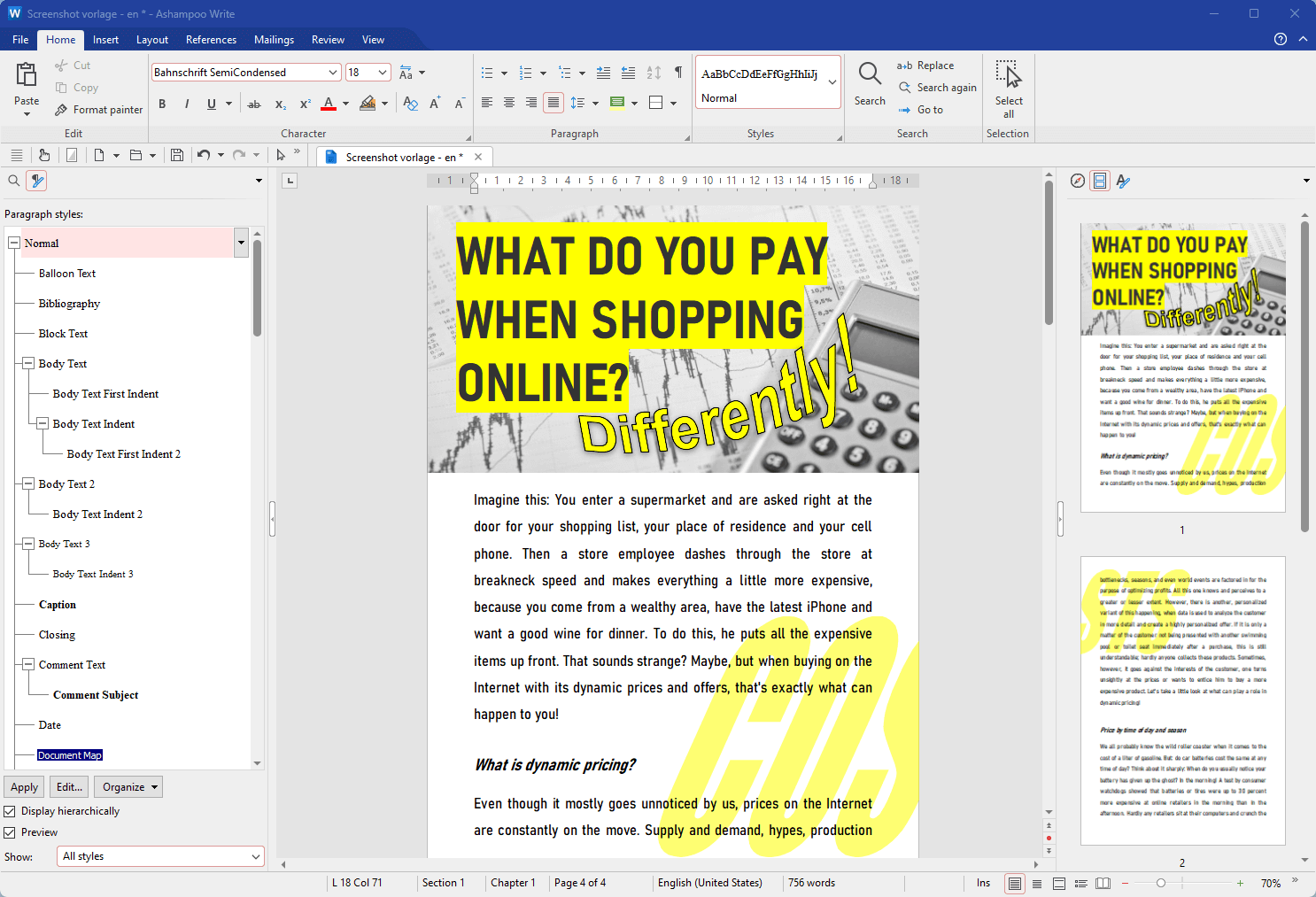
Create documents, spreadsheets and presentations with great ease–and excellent compatibility! We've all seen Microsoft Office alternatives in the past but never one that is so affordable and greatly compatible with Microsoft document formats past and present. An Office suite without compromise, without a lengthy training period. Ashampoo Office 9 lets you create documents, spreadsheets and presentations faster than ever before. It has all the options and comfort you'd expect from a modern Office suite. And Ashampoo Office 9 doesn't save your files in some online cloud service but where they belong: on your PC! It's the Office suite you've always wanted! Use it on up to 5 PCs in your household If you use Ashampoo Office at home, you can run it on up to 5 PCs! A single license is enough to provide your entire family with a powerful office suite! If you use it commercially though, it's one license per installation. Space-efficient PDFs with auto-scaling Auto-corrections of common typos for various languages Additional list view in "New document" dialog box Different formatting options for pasted clipboard content Insert WEBP images Improved spellcheck handling Easily edit grouped objects Display full document path in title bar Direct input of hex values for Unicode characters Auto-suggestions for hyperlink insertion Improved dark mode with dark sidebars Dark mode auto-toggle based on Windows settings Share documents with Windows apps Undo individual steps during text replacement File attributes like "Compressed", "Icon position on desktop" and "Owner" preserved during saving Elegant Windows 11 style
Add your review
Your email address will not be published. Required fields are marked *
Please login to write review!
Looks like there are no reviews yet.

Ashampoo Burning Studio 27 CD Key
$12.36 $12.36


MS Office 365 Personal TR Key (1 Year / 1 Account)
$66.08 $66.08