

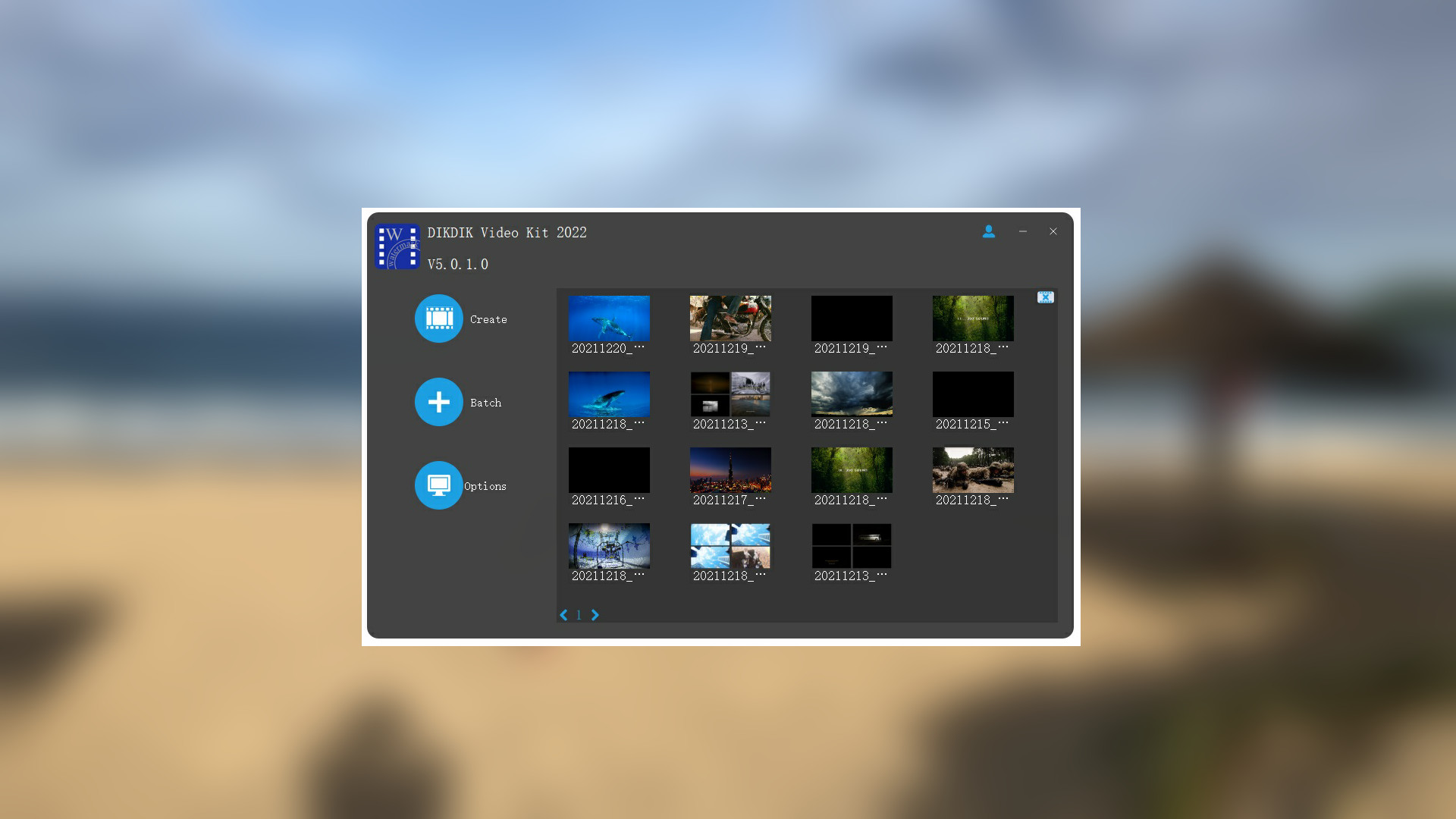


DIKDIK Video Kit 2022 Steam CD Key
The software is an batch video editor software for editing video, adding watermark and subtitle. It can add video, audio, image, words and subtitle in WYSIWYG, and can set time of appearance, position, size and animated effects for watermark and subtitle to video, and preview at will. It can add watermark and subtitle to videos in batch, splitting and merging video in batch. Features Put watermarks to videos in batch1. Edit WordArt effects in WYSIWYG.2. Create dynamic watermark effects (e.g. Exp

Free Shipping
For all orders over $200

1 & 1 Returns
Cancellation after 1 day

Secure Payment
Guarantee secure payments
Hotline Order:
Mon - Fri: 07AM - 06PM
(+965) 7492-4277
Become a Vendor?
Register now
The software is an batch video editor software for editing video, adding watermark and subtitle. It can add video, audio, image, words and subtitle in WYSIWYG, and can set time of appearance, position, size and animated effects for watermark and subtitle to video, and preview at will. It can add watermark and subtitle to videos in batch, splitting and merging video in batch. Features Put watermarks to videos in batch1. Edit WordArt effects in WYSIWYG.2. Create dynamic watermark effects (e.g. Expand, Scroll, Flash and Fade In).3. Insert coypright symbols C, R or TM to video.4. watermarks (video, audio, pictures, text).Add subtitles to videos in batch1.Edit subtitle in WYSIWYG.2.Create dynamic subtitle effects (e.g. Expand, Scroll, Flash and Fade In).3.Add .srt or .ssa subtitles to videos.Split video in batch1.Set number of parts or a duration of each clip.2.Set start and end points for every part.3.Remove title sequence and ending.Resize videos in batch1.Video resizing serves the same purpose as splitting. 2.Video landscape and portrait conversion. 3.Crop videos in batch.Merge videos in batch1.Add title sequence to videos in batch.2.Add tail leader to videos in batch.Extract sounds from videos in batch1.Add watermark to audio in batch.2.Record sound to vidoes.3. Convert videos to mp34. Merge multiple mp3 files into one.5. Split an MP3 into multiple MP3s.Convert videos in batch1.Support multi-core processor and concurrent conversion of multiple files.
Add your review
Your email address will not be published. Required fields are marked *
Please login to write review!
Looks like there are no reviews yet.

Ashampoo Burning Studio 27 CD Key
$12.36 $12.36


MS Office 365 Personal TR Key (1 Year / 1 Account)
$66.08 $66.08