


Focus Magic PC CD Key
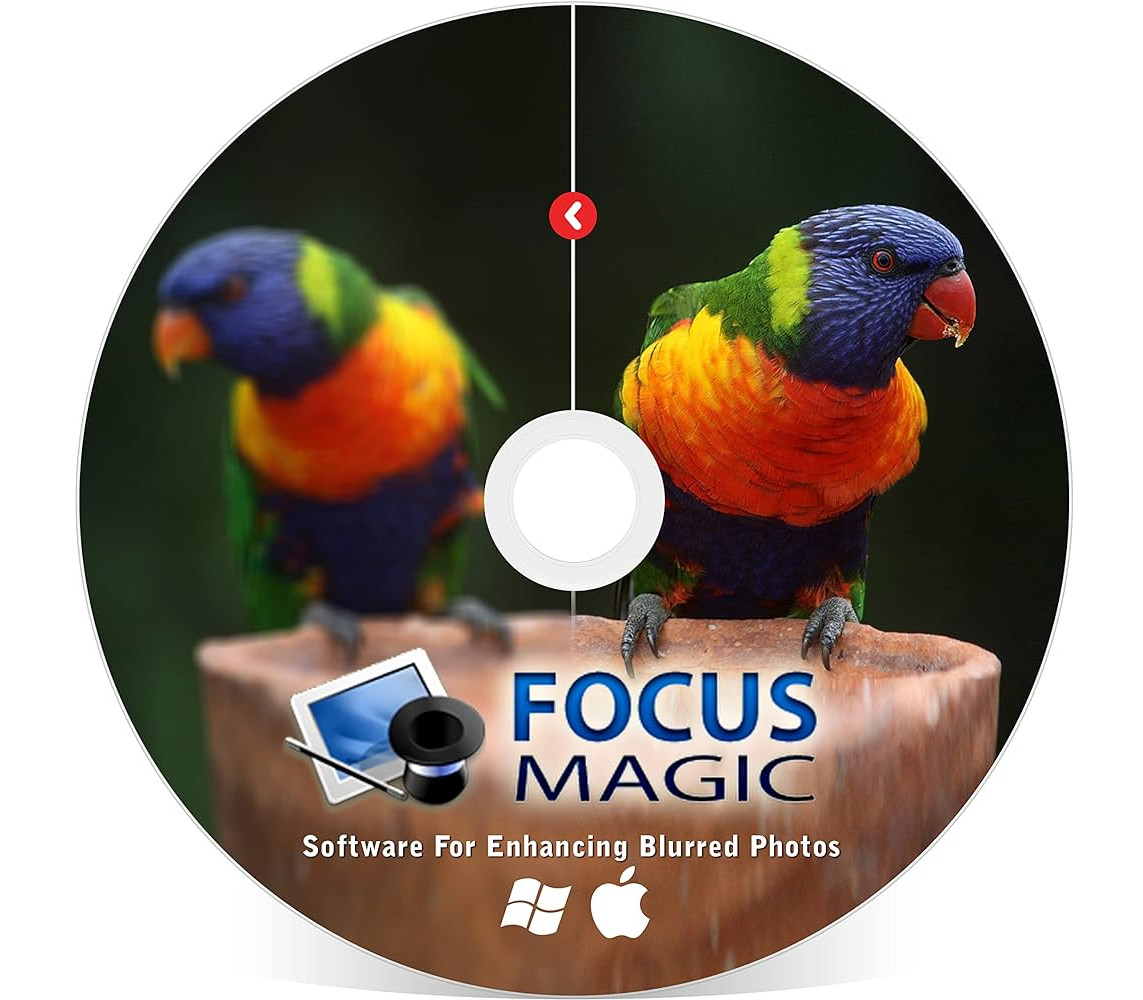
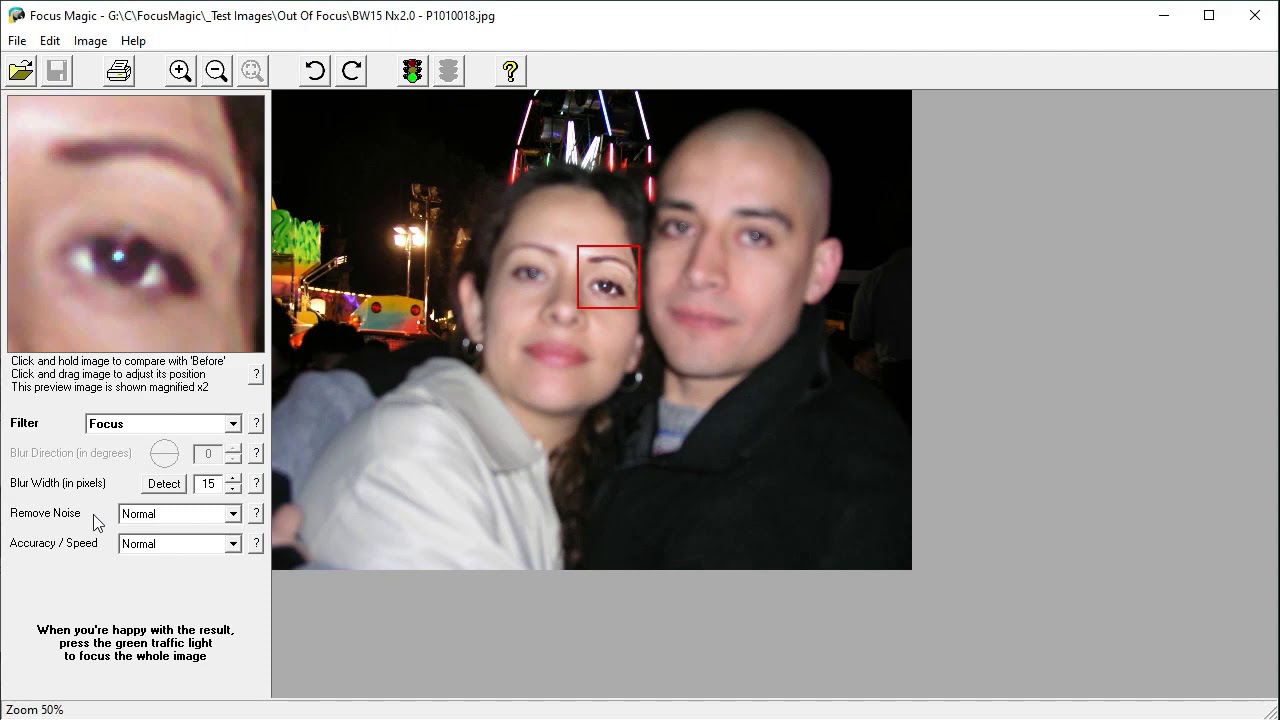
Recover Detail and Sharpen Your Blurred Photos Today! What is Focus Magic? Focus Magic is software that uses advanced forensic strength deconvolution technology to literally “undo” blur. It can repair both out-of-focus blur and motion blur (camera shake) in an image. It is the only software that can significantly recover lost detail from blurry images. The World's Most Accurate Sharpening Software We spent an hour taking deliberately blurred photos of a porcelain parrot (see left). This incl

Free Shipping
For all orders over $200

1 & 1 Returns
Cancellation after 1 day

Secure Payment
Guarantee secure payments
Hotline Order:
Mon - Fri: 07AM - 06PM
(+965) 7492-4277
Become a Vendor?
Register now
Recover Detail and Sharpen Your Blurred Photos Today! What is Focus Magic? Focus Magic is software that uses advanced forensic strength deconvolution technology to literally “undo” blur. It can repair both out-of-focus blur and motion blur (camera shake) in an image. It is the only software that can significantly recover lost detail from blurry images. The World's Most Accurate Sharpening Software We spent an hour taking deliberately blurred photos of a porcelain parrot (see left). This included out-of-focus images and motion blurred images with many different degrees of blur. We then fed them through lots of software applications. A small zoomed-in section of the image is displayed for your comparison. * Photoshop Shake Reduction Filter – We used the manual settings (with the Blur Direction tool on the left in the filter) because the auto-detected settings were very hit and miss. The auto-detected values ironically do not have a distance and a direction and the blur correction seems to be applied in “all directions”. ** Other Products – There are lots of other products with a sharpen filter. All the other ones that we are aware of use the “Unsharp Mask” method similar to the Photoshop Unsharp Mask filter shown above. The way they work is quite simple. They blur the photo a bit more, see how each pixel has changed, and then change the pixels in the opposite direction. For a small amount of blur this works OK, but for more significant blur, it just doesn’t work.
Add your review
Your email address will not be published. Required fields are marked *
Please login to write review!
Looks like there are no reviews yet.


Ashampoo Burning Studio 27 CD Key
$12.36 $12.36


MS Office 365 Personal TR Key (1 Year / 1 Account)
$66.08 $66.08